Google review QR code

Turn your Google review link into a QR code customers can use in seconds.

A long review link is difficult for staff to explain and easy for customers to forget. ClariFlow turns the business's existing Google review destination into a branded, scan-ready customer journey with downloadable QR assets for real-world placements.

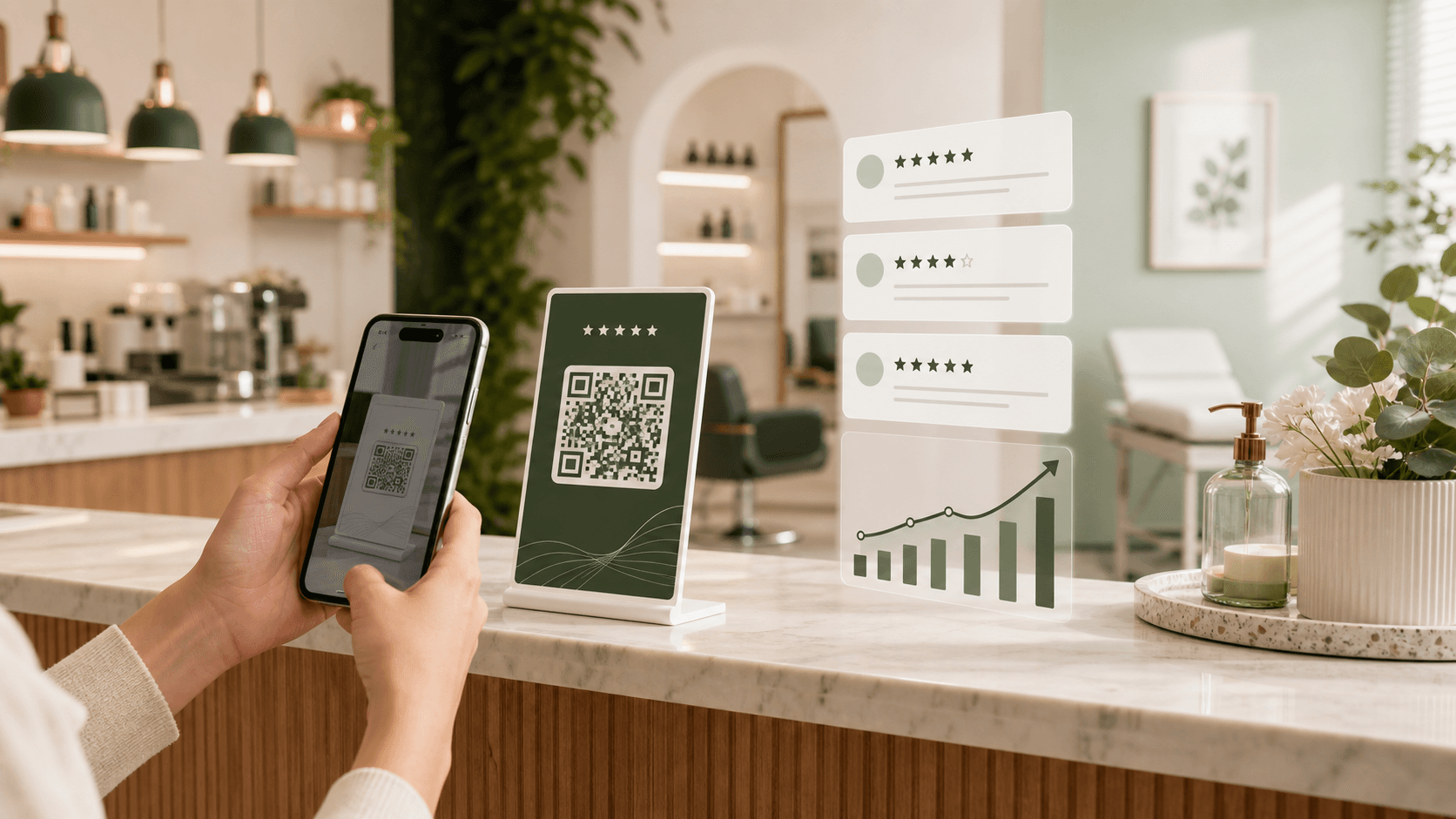
Google review QR code displayed beside a branded ClariFlow mobile review page

One connected workflow

Create the review page once, download the QR asset, and reuse the same customer path across printed and digital touchpoints.

What the workflow includes

Review and feedback tools designed around real customer interactions.

01

One scan-ready review path

Keep the public review destination behind a short, branded customer journey instead of asking staff or customers to handle a long URL.

02

Downloadable QR assets

Create QR materials for table stands, checkout signs, receipt prompts, appointment cards, packaging, invoices, and follow-up messages.

03

Business branding before the click

Show the business name, logo, colors, and clear customer copy before the customer continues to the public review destination.

04

Placement that matches the visit

Use one QR workflow in the exact place a customer completes the experience, pays, collects an order, or receives a finished service.

A simple three-step setup

From customer moment to owner insight.

01

Add the Google review link

Paste the review destination used by the business and complete the business name, logo, page colors, and customer message.

02

Download the right QR asset

Choose a template that fits the placement: counter, table, receipt, packaging, window, service card, invoice, or message.

03

Test the scan before printing

Open the QR code on a real phone, check the branding and destination, and confirm that the page is easy to use on a mobile connection.

Where to use it

Place the request where the experience naturally ends.

A good review workflow fits the business instead of interrupting it. These are practical placements and feedback moments for this use case.

  • Table tents and bill folders
  • Reception and checkout counters
  • Receipts and appointment cards
  • Takeaway bags and product packaging
  • Repair invoices and service cards
  • WhatsApp, SMS, and email follow-ups

Genuine review requests

Use the workflow without incentives, pressure, or selective asking.

Ask customers only after a real, completed experience.
Do not offer discounts, gifts, payments, or rewards for reviews.
Do not ask only satisfied customers to post a public review.
Use private comments to improve service, not to suppress honest public feedback.
Common questions

Answers before you choose a review workflow.

How do I make a QR code for Google reviews?

Add the business's Google review link to ClariFlow, customize the branded review page, generate the QR asset, test it on a phone, and place it where customers naturally finish their visit or service.

Where should a Google review QR code be placed?

Useful placements include billing counters, table stands, reception desks, receipts, appointment cards, packages, invoices, and post-service messages. The best location is close to a completed customer experience.

Can the same review QR code be used in several places?

Yes. A business can reuse its ClariFlow QR review path across printed and digital touchpoints as long as the code remains legible and the linked review page stays active.

Does a Google review QR code guarantee reviews?

No. A QR code removes typing and search friction, but customers still choose whether to leave a review. Timing, staff behavior, placement, and the actual experience all matter.

Start with one branded review flow.

Create the page, download the QR, and put it in front of real customers.

Get Started