Restaurant review management

Restaurant review software for tables, bills, counters, and takeaway orders.

Restaurant reviews are won or lost in small moments: the final course, the bill, the pickup counter, and the takeaway bag. ClariFlow gives restaurant teams a branded QR review page that fits those moments without adding a long script for busy staff.

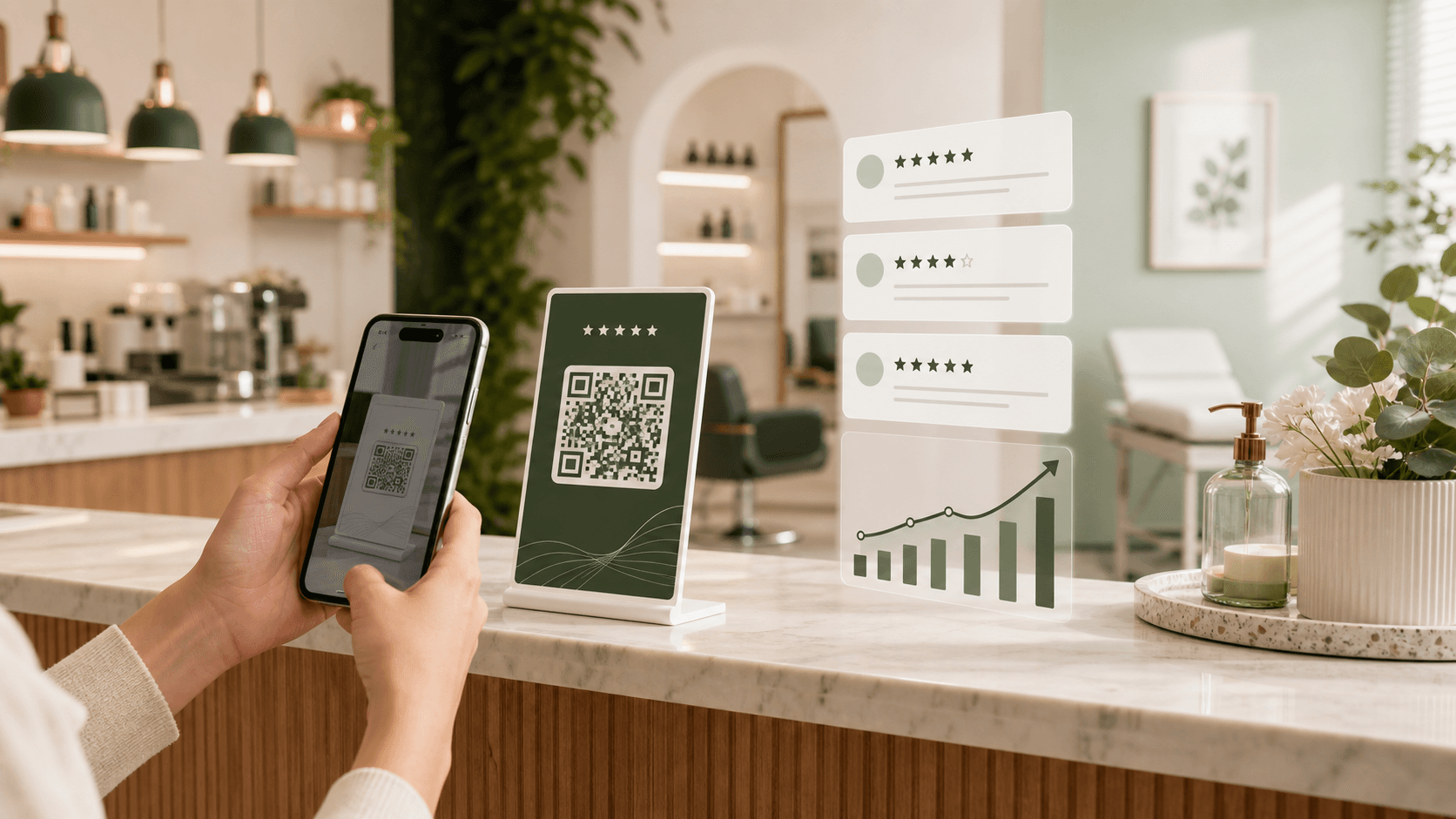
Restaurant Google review QR code flow on a table with a mobile review page

One connected workflow

Make the review request part of the existing guest journey and use direct feedback to understand service, food, timing, and ambience concerns.

What the workflow includes

Review and feedback tools designed around real customer interactions.

01

Table and bill QR placement

Place a clear review prompt on a table stand, bill folder, receipt, or payment counter after the dining experience is complete.

02

Takeaway review requests

Add the QR code to takeaway packaging, pickup counters, order inserts, or delivery follow-up messages.

03

Branded guest experience

Show the restaurant name, logo, colors, and a short message before the guest continues to the public review destination.

04

Owner feedback context

Review comments related to food quality, service speed, ambience, staff behavior, order accuracy, and guest expectations.

A simple three-step setup

From customer moment to owner insight.

01

Choose the completed-meal moment

Ask after the guest has eaten, paid, collected the order, or received the delivery—never before the experience is complete.

02

Give staff one simple prompt

Use the same branded QR page across the floor, counter, and takeaway workflow so the team does not need different instructions.

03

Review feedback by service pattern

Look for repeated themes such as wait time, temperature, order accuracy, cleanliness, ambience, or communication.

Where to use it

Place the request where the experience naturally ends.

A good review workflow fits the business instead of interrupting it. These are practical placements and feedback moments for this use case.

  • Table tents after the meal
  • Bill folders and printed receipts
  • Cashier and pickup counters
  • Takeaway bag inserts
  • Delivery follow-up messages
  • Catering and event feedback cards

Genuine review requests

Use the workflow without incentives, pressure, or selective asking.

Ask customers only after a real, completed experience.
Do not offer discounts, gifts, payments, or rewards for reviews.
Do not ask only satisfied customers to post a public review.
Use private comments to improve service, not to suppress honest public feedback.
Common questions

Answers before you choose a review workflow.

Where should a restaurant place a Google review QR code?

Useful locations include table tents, bill folders, printed receipts, payment counters, takeaway bags, pickup desks, and post-delivery messages. Choose a point after the guest has completed the experience.

Can one QR code work across dine-in and takeaway?

Yes. The same ClariFlow review page can be shared across restaurant touchpoints, provided each QR code is printed clearly and tested before use.

What restaurant feedback should owners track?

Common themes include food quality, service speed, staff communication, order accuracy, cleanliness, ambience, value, delivery handling, and issue resolution.

Should restaurants reward guests for reviews?

No. Reviews should reflect genuine experiences and remain voluntary. Restaurants should not offer discounts, free items, payments, or other incentives in exchange for reviews.

Start with one branded review flow.

Create the page, download the QR, and put it in front of real customers.

Get Started