A page that looks like your business
Add your name, logo, colors, and a short message so customers know they have reached the right place.
You already have a Google review link. ClariFlow makes it easier to share. Build a page with your business name and message, turn it into a QR code, and give staff one clear place to send customers after a real visit or service.
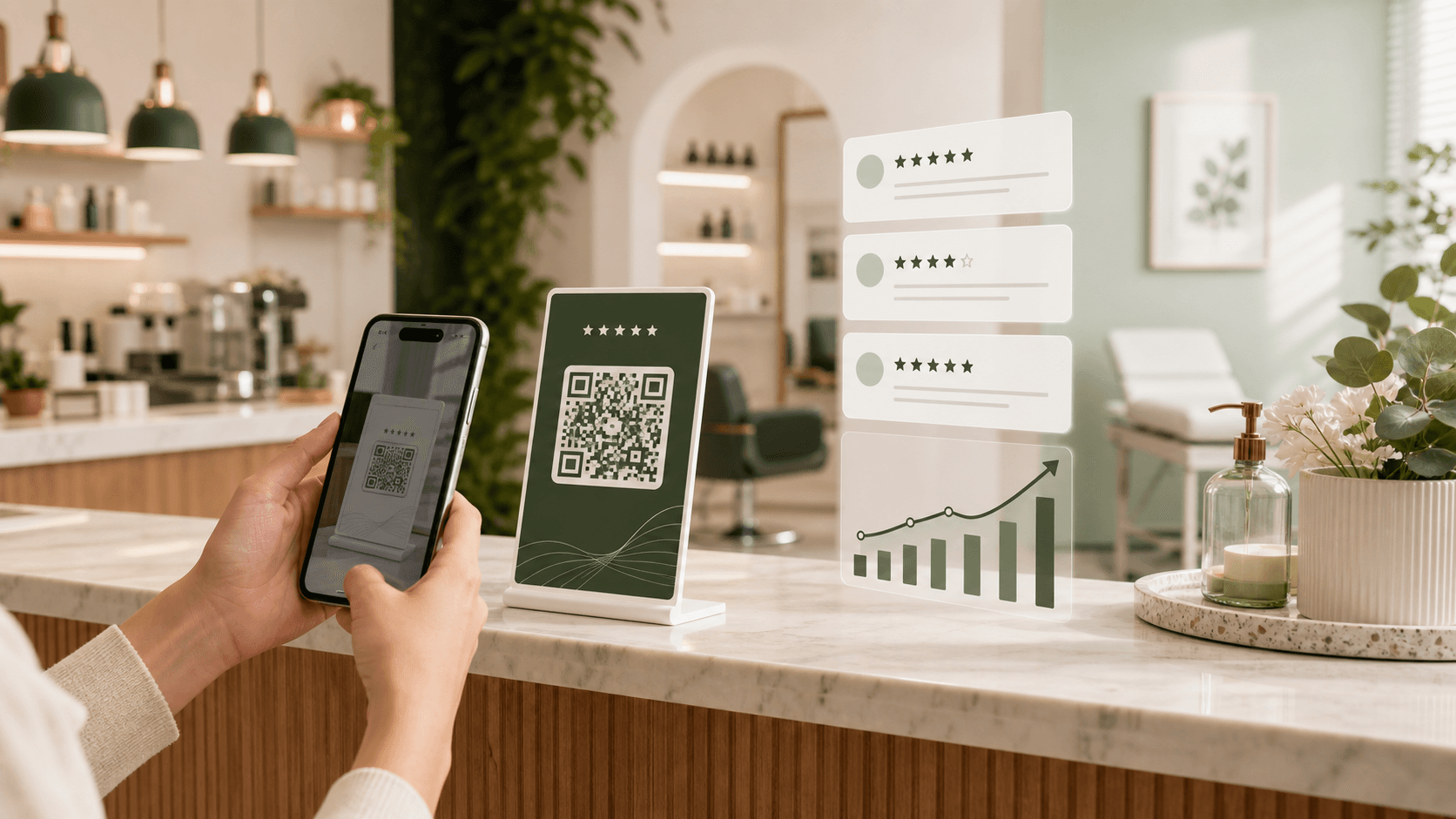
Made for everyday use
One review page for your counter, receipts, service cards, and follow-up messages.
Add your name, logo, colors, and a short message so customers know they have reached the right place.
Download artwork for the places where customers finish a visit, pay a bill, or collect an order.
See ratings and comments submitted through ClariFlow without searching through messages or paper notes.
Give the whole team the same link and a straightforward request they can use after a completed experience.
How to get started
Add your business details and the Google review link you already use.
Choose a counter card, table display, receipt, or follow-up message and test the scan on a phone.
Check the comments collected through ClariFlow and adjust how and when your team asks.
Where it fits
The request works best when it is easy to notice after a real visit, purchase, or service. Here are places to start.
Words your team can use
“If you have a minute, we'd appreciate hearing about your visit. You can use the QR code here.”
Keep the invitation short and let the customer decide whether to respond.
A good way to ask
No. Add the Google review link for your existing business profile when you set up the ClariFlow page.
No. The dashboard shows feedback submitted through ClariFlow. Google reviews remain on Google, where you can manage and reply to them.
Yes. Share your page through printed QR materials and a direct link. Test each printed QR code before giving it to customers.
No. A clearer request makes it easier to ask, but customers decide whether to leave a review. The experience you provide still matters most.
Ready to get started?